Some links on our site may earn us a commission at no extra cost to you. Learn more.
Every August, families buy the best graphing calculator they can afford for a math class that starts in three weeks — and most of them overspend, because the graphing calculator market runs on a logic no other electronics category follows. The hardware barely changes for a decade at a time, prices stay stubbornly high, and the “right” choice is decided less by specs than by two outside forces: what your school’s teachers actually teach on, and what the SAT, ACT, and AP proctors will allow onto the desk.
The quick answer: the TI-84 Plus CE remains the best graphing calculator for most U.S. students because it is the machine classrooms teach on and every major exam accepts. The Casio fx-9750GIII is the smart pick when budget rules, the Casio fx-CG50 offers the nicest screen for the money, and the TI-Nspire CX II is the power option for students heading into calculus and beyond — with one wrinkle for AP season noted below.
Our verdict at a glance
- Best overall: TI-84 Plus CE — the classroom standard; the teacher’s example on the board will match the buttons in your student’s hand.
- Best budget: Casio fx-9750GIII — roughly a third of the TI’s price, and cleared for the same big exams.
- Best screen for the money: Casio fx-CG50 — a bright color display at a price between the two.
- Best for advanced coursework: TI-Nspire CX II — the most computing power here, best for pre-calc through college.
Do you even need one anymore?
Ask this before spending anything, because it is the biggest change in this category in twenty years. The digital SAT now includes a built-in Desmos graphing calculator directly in the College Board’s testing app, so a student can legitimately sit the SAT with no handheld at all. So why does anyone still buy one? Three reasons: daily classwork and homework happen away from the testing app, many teachers structure lessons around a physical TI, and the ACT and AP exams still assume a handheld (the ACT permits no computer or tablet substitutes). The honest framing: you are buying a classroom tool that also goes to exams — not an exam tool.

How the four compare
| Attribute | TI-84 Plus CE | TI-Nspire CX II | Casio fx-CG50 | Casio fx-9750GIII |
|---|---|---|---|---|
| Price tier | $$$ | $$$$ | $$ | $ |
| Display | Color, backlit | Color, highest resolution here | Color, large and bright | Monochrome |
| Power | Rechargeable battery | Rechargeable battery | 4 AAA batteries | 4 AAA batteries |
| Python programming | Yes (current editions) | Yes | Yes (via add-in) | Yes |
| Classroom ubiquity in the U.S. | The standard | Common in advanced classes | Occasional | Occasional |
| Learning curve | Low — every tutorial assumes it | Steepest | Moderate | Low |
Which calculators are allowed on which exams?
This is the table that should veto any purchase, because a calculator that cannot enter the exam room is a homework accessory. All four of these models avoid the one hard disqualifier: none has a built-in computer algebra system (CAS), which the ACT prohibits outright — that rule is why the CAS versions of the Nspire line stay off this list. Per Effortless Math’s current exam-calculator guides, the eligibility picture looks like this:
| Model | SAT / PSAT | ACT | AP (calculator sections) |
|---|---|---|---|
| TI-84 Plus CE | Allowed | Allowed | Allowed |
| TI-Nspire CX II (non-CAS) | Allowed | Allowed | Allowed on AP Calculus/Statistics lists — verify your specific AP subject’s policy |
| Casio fx-CG50 | Allowed | Allowed | Allowed |
| Casio fx-9750GIII | Allowed | Allowed | Allowed |
One standing caution that outranks anything we write: exam policies get revised, and proctors enforce the current list, not last year’s. Check the College Board and ACT calculator policies the week before test day. It takes two minutes and it is the cheapest insurance in this article.
The four-year math: cost per school year
A graphing calculator is one of the few school purchases that genuinely lasts all four years of high school — the platform is deliberately frozen so teachers and test-makers can rely on it. That makes cost per school year the honest way to compare prices. Using typical street prices (these drift with back-to-school sales, so treat them as centers of a range, not quotes):
| Model | Typical street price | Battery cost over 4 years | Cost per school year |
|---|---|---|---|
| Casio fx-9750GIII | ~$55 | ~$10 in AAAs | ~$16/year |
| Casio fx-CG50 | ~$100 | ~$10 in AAAs | ~$28/year |
| TI-84 Plus CE | ~$140 | $0 (rechargeable) | ~$35/year |
| TI-Nspire CX II | ~$165 | $0 (rechargeable) | ~$41/year |
Two things jump out of that table. First, the real-money gap between the cheapest and most expensive option is about $25 a school year — significant, but smaller than the sticker prices make it feel. Second, the TI-84’s famously stable pricing has a silver lining families rarely price in: these machines hold value unusually well on the used market precisely because next year’s students need the exact same model, so a well-kept TI often recoups a meaningful share of its cost after graduation.
TI-84 Plus CE: the classroom default
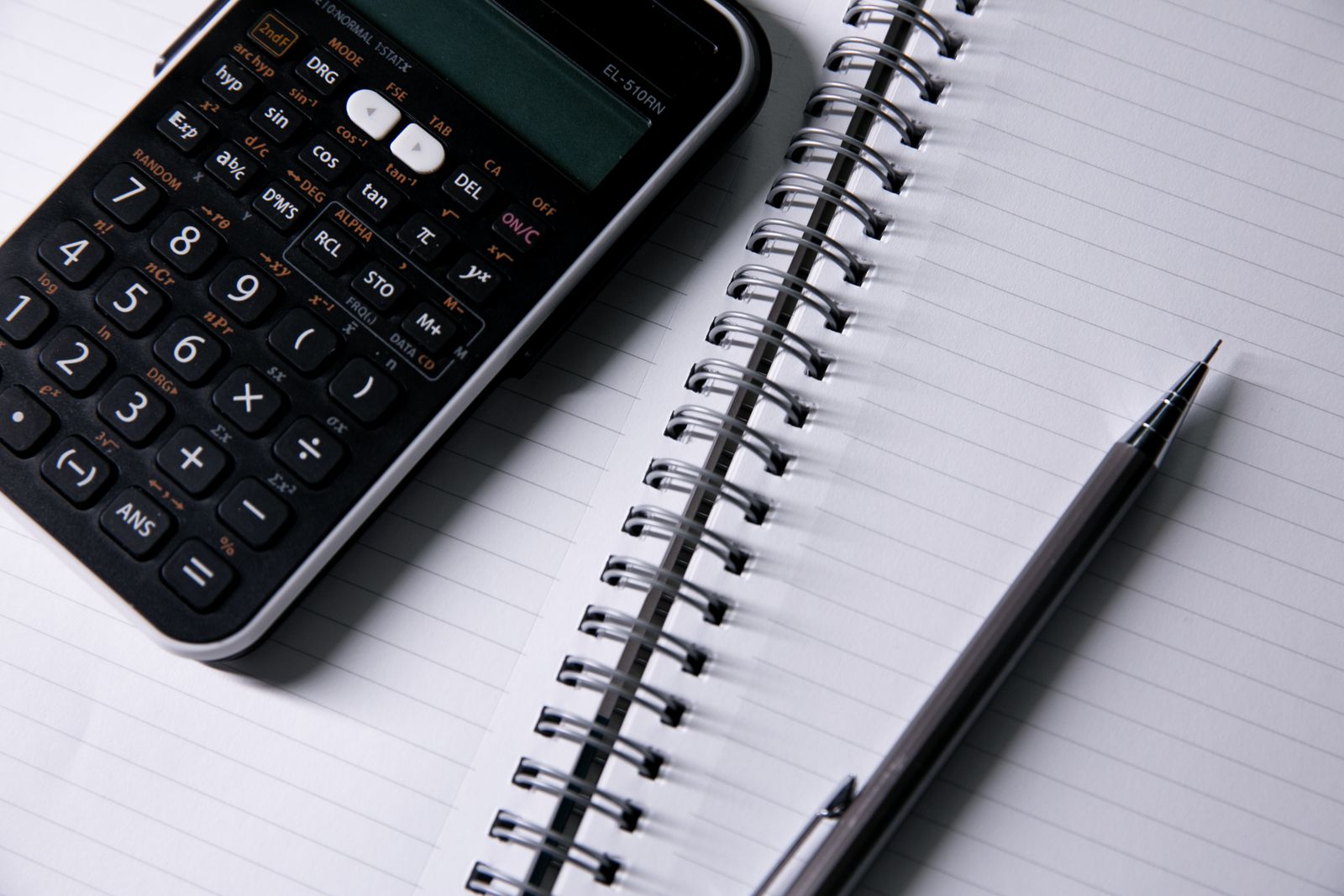
The TI-84 Plus CE wins for a reason that has nothing to do with hardware: it is the machine American math education is built around. Teachers demonstrate on it, textbooks print its keystrokes, YouTube tutorials assume it, and when a student is stuck at 10 p.m., the answer online will match the buttons in their hand. The current editions add a slim rechargeable body, a color screen, and Python programming to that ecosystem. Effortless Math’s exam guides rank it the best overall pick for the ACT for exactly this blend of acceptance and familiarity.
Honest drawbacks: on pure hardware value it is hard to defend — the fx-CG50 gives you a comparable color screen for less, and the fx-9750GIII does the core math for a third of the price. You are paying a substantial ecosystem premium. It is worth paying when the classroom runs on TI; it is worth questioning when it does not.
Buy it if your school teaches on TI (ask the math department — one email settles it). Skip it if the teacher is calculator-agnostic and the budget is tight; Casio’s machines do the same math for less.
TI-Nspire CX II: the power option with a caveat
The Nspire CX II is the most capable machine here — a sharper screen, a document-based interface closer to a small computer, faster processing, and room to grow through pre-calculus, AP Calculus, statistics, and into college coursework. Effortless Math calls it the most powerful ACT-legal option, and for a student who genuinely likes math, it is the one calculator in this group that will not feel outgrown.
Honest drawbacks: the learning curve is the steepest here, and its menus will not match a TI-84-centric classroom, which matters more for a struggling student than any spec. Buy only the non-CAS version if exams are in the picture — the CAS edition is barred from the ACT — and verify your specific AP subject’s calculator list before test season rather than assuming.
Buy it if your student is strong in math and headed for the calculus track. Skip it if they need their calculator to match the teacher’s overhead projector.
Casio fx-CG50: the screen-per-dollar winner
Casio’s fx-CG50 makes the most straightforward hardware argument in this comparison: a large, bright color display — Effortless Math tags it the best screen for the money — 3D graphing that TI’s 84-line lacks, Python support, and a price that undercuts the TI-84 by a meaningful margin. For visual learners, seeing three functions plotted in three colors on a crisp screen is a real pedagogical advantage, not a luxury.
Honest drawbacks: menu logic differs from TI’s, so a student in a TI classroom translates keystrokes on their own, and it runs on AAA batteries rather than a rechargeable pack — cheap to feed, but one more thing to remember the night before a test. Casio’s smaller U.S. classroom footprint means fewer tutorials when homework gets hard.
Buy it if you want color-screen capability at the best price and your student is comfortable being the Casio user in a TI room. Skip it if classroom conformity matters — that is the TI-84’s home turf.
Casio fx-9750GIII: the budget pick that gives up little
The fx-9750GIII is the value story of this category: full graphing capability, Python programming, SAT/ACT/AP eligibility per Effortless Math’s guides, and a typical price around a third of the TI-84’s. The monochrome screen is the visible sacrifice, and for algebra through pre-calc it is a modest one — the math is identical, just rendered in one color. At our cost-per-school-year math above, it is barely more than a nice backpack.
Honest drawbacks: the display feels dated next to every color rival, the build is lighter and more plastic, and the same TI-classroom translation burden applies. For a student who is anxious about math already, saving $85 to add daily friction can be a false economy — know your kid.
Buy it if budget is the binding constraint or you need a no-drama backup unit for test day. Skip it if your student responds to color graphing, or the classroom is rigidly TI-based.
How we compared
We compared these four models on the factors that decide real purchases: standardized-exam eligibility (drawing on Effortless Math’s current SAT and ACT calculator guides and the testing bodies’ published rules), classroom compatibility, display and battery practicalities, programming support, typical street pricing, and cost across a four-year ownership horizon. We did not conduct hands-on testing; where we describe usability patterns, we are summarizing consistent experiences reported by students, parents, and educators over these models’ long market lives. Exam policies change — always verify against the official College Board and ACT lists before test day. Read more about how we work on our editorial standards page.
Frequently asked questions
Is the TI-84 Plus CE still worth it in 2026?
Yes, for one reason: alignment. It remains the machine most U.S. classrooms, textbooks, and tutorials are built around, and it is accepted on every major exam. On raw hardware value the Casios beat it; on day-to-day friction for a typical student, it still wins.
Can my student just use the Desmos calculator built into the digital SAT?
On the SAT itself, yes — the College Board’s testing app includes Desmos, and no handheld is required. But the ACT and AP exams still expect an approved handheld, and daily classwork usually assumes one, so most students still need a physical calculator during high school.
What does CAS mean, and why does it matter?
A computer algebra system manipulates symbols — it can factor, expand, and solve equations algebraically rather than numerically. The ACT prohibits CAS calculators entirely, which is why the non-CAS versions of machines like the TI-Nspire CX II exist. If exams are anywhere in your student’s future, buy non-CAS.
Should I buy used?
It is one of the better used-electronics markets: the models are frozen, so a several-year-old TI-84 Plus CE is functionally identical to a new one. Check the screen for pressure marks, confirm the rechargeable battery holds a charge, and factor that these machines also resell well when your student graduates.
Which model should a middle schooler start with?
Usually none yet — most middle school math needs at most a scientific calculator, and schools often specify one. Buy the graphing calculator when Algebra I or the school’s supply list demands it, so the purchase lands at the start of its useful four-plus-year window rather than a year before.
Bottom line
Email the math department first — their answer outweighs every review, ours included. If the classroom runs on TI, the TI-84 Plus CE is the right purchase and the used market softens its price. If the room is calculator-agnostic, the Casio fx-9750GIII covers the full exam slate for a third of the money, and the fx-CG50 is the sweet spot for students who benefit from a color display. Save the TI-Nspire CX II for confident math students on the calculus track. For the rest of the back-to-school electronics list, our student laptop comparison and home printer face-off cover the two bigger-ticket questions. More head-to-heads live in our Tech & Electronics section.